Desktop research and trading assistant · Pre-release

Connect the accounts you already use.
Research, test, and trade in one place.

TrueFix Studio is a desktop app for people who already use brokers, exchanges, or market-data services. It brings market research, an AI assistant, strategy testing, and reviewed trading actions into one place.

Your money stays with your broker · Start read-only or in simulation
TRUEFIX / TRADING WORKSTATION
SYSTEM READY
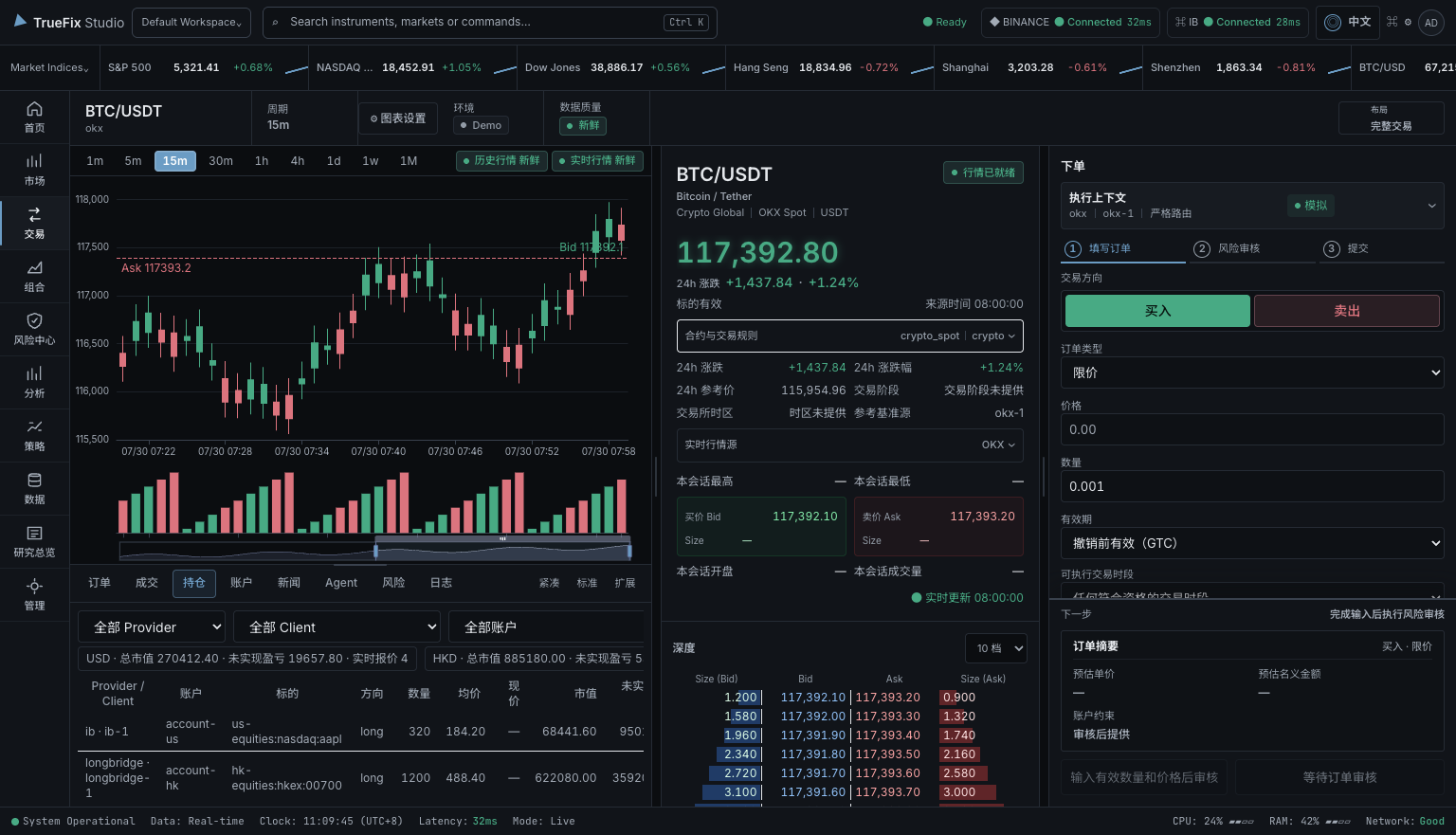
TrueFix Studio dark trading workstation showing a BTC/USDT chart, market depth, positions, and order ticket
Open full resolution
LOCAL PROFILE
ON THIS DEVICE
HUMAN REVIEW
BEFORE ACTION
Runs on your deviceDoes not hold your moneyNo TrueFix cloud accountRead-only and simulation modesYour broker remains in controlYou review trading actions

WHAT IT HELPS YOU DO

Keep your current accounts.
Bring the work into one app.

Use TrueFix alongside your current broker or exchange. Your accounts and money stay where they are while you research, test ideas, and review possible actions in one desktop app.

01

See your market information together

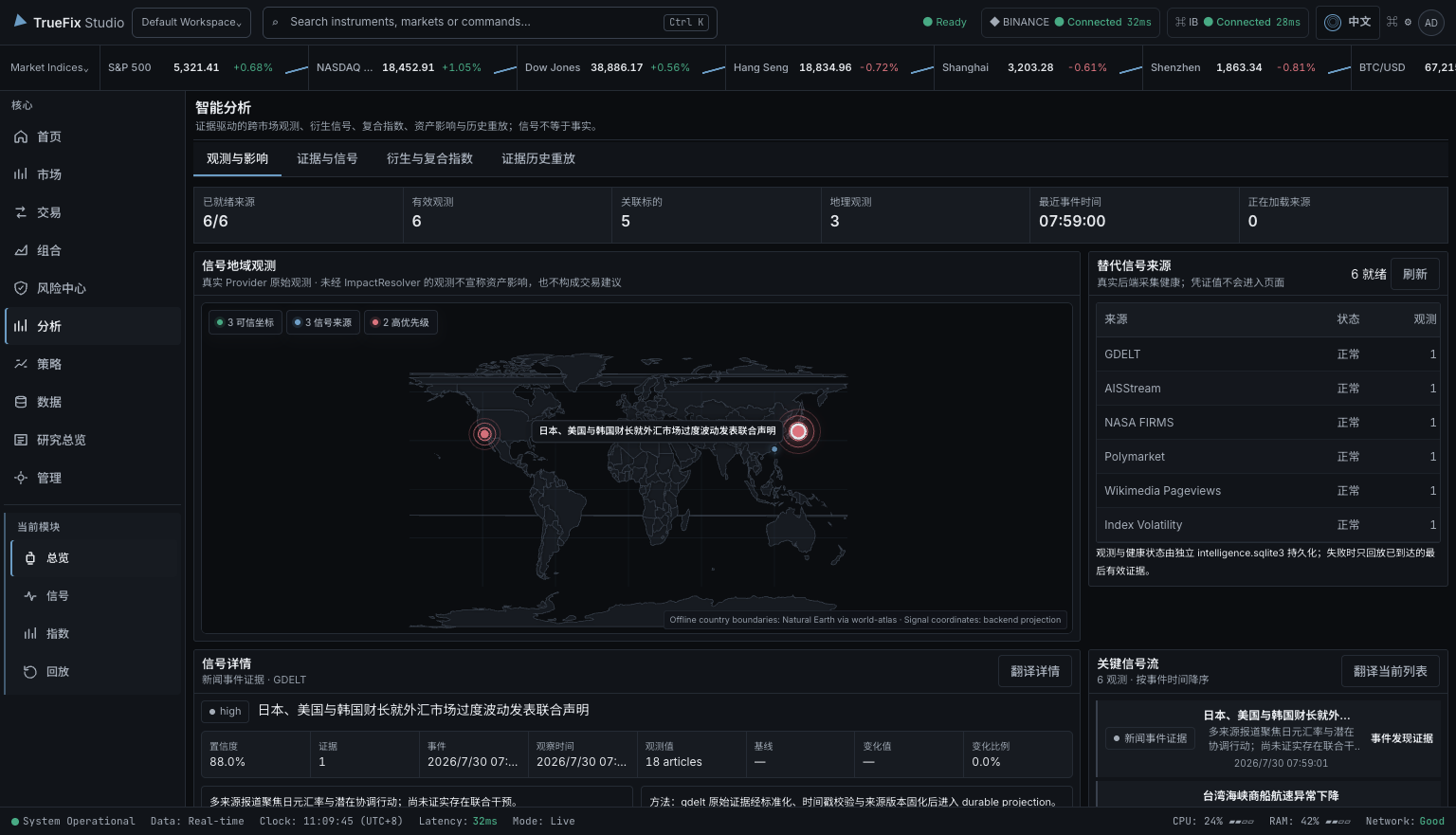
Compare prices, news, signals, and account information, and open the original source when you need to check it.

02

Ask AI and test strategies

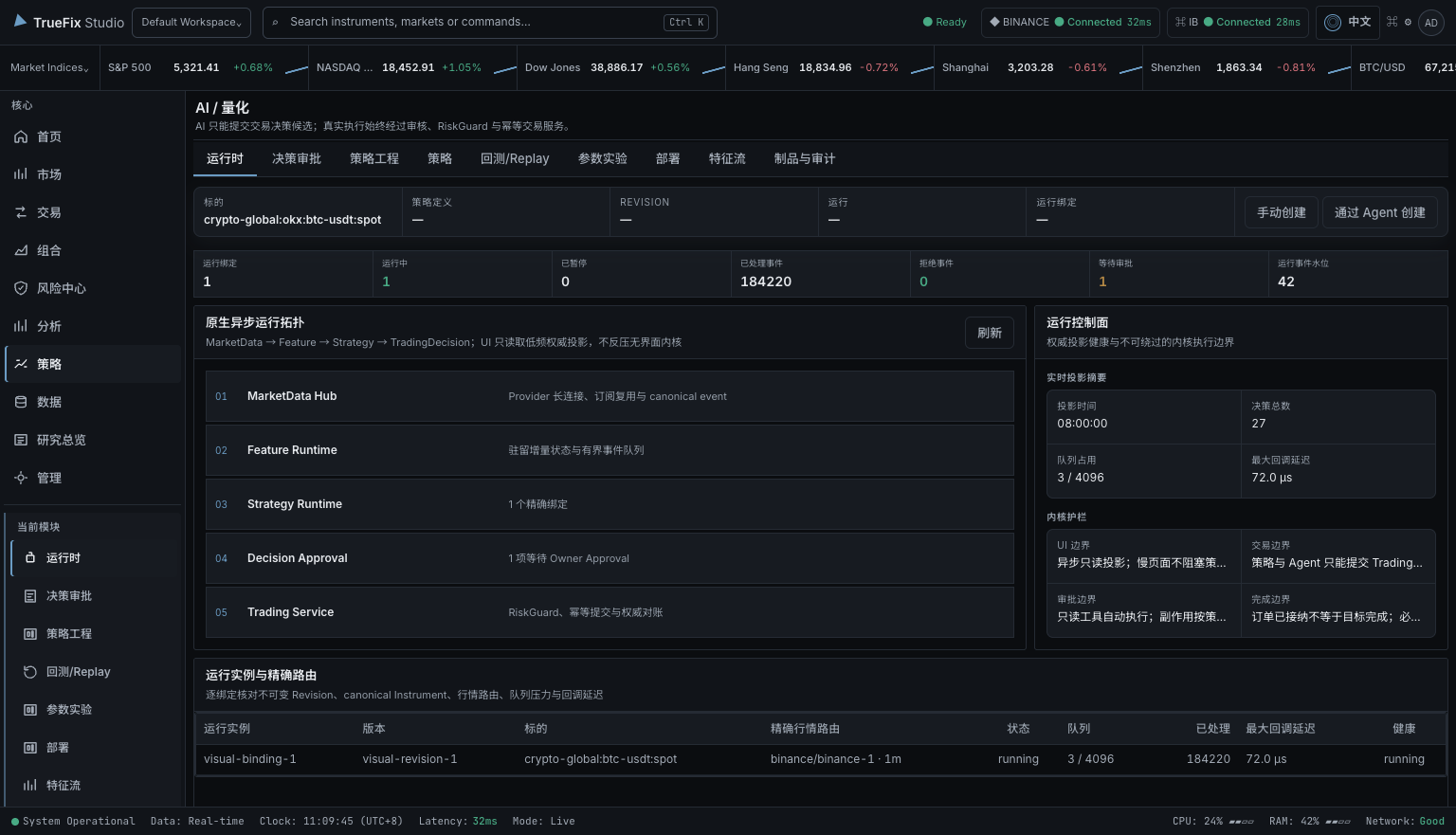
Use the AI assistant to organize information, or test a rule-based strategy with past or simulated data before using a real account.

03

Check every action before sending

See the selected service, account, test or live mode, product, fees, and risk before a trading action is sent.

TrueFix never asks you to deposit money.You choose which outside services to connect and what they may do. Your broker or exchange still controls the account and its permissions.

NIGHTLY RELEASE · 0.1.0

Choose your platform.
Start with the latest build.

Public pre-release installers built from the current TrueFix Studio nightly channel. Choose the package that matches your operating system and architecture.

PRE-RELEASEUpdated

macOS

Apple Silicon · arm64

DMG installer for Apple Silicon Macs. This nightly build is currently unsigned.

Download DMG
Unsigned macOS build

If macOS blocks this unsigned build, move the app to Applications, then run:

xattr -cr "/Applications/TrueFix Studio.app" Use this command only for the app downloaded from the official TrueFix Release.

HOW IT WORKS

Start with a question.
Stop whenever you want.

You can use TrueFix only for research, test an idea without real money, or continue to a trading action after checking the account and risk.

01

WHAT IT IS

One app for services you already use

Connect selected brokers, exchanges, and market-data services. TrueFix shows their information together without moving your money.

02

WHO IT IS FOR

People who already have market accounts

For traders, strategy developers, and research or risk teams who use more than one market service. It does not recommend what you should buy or promise returns.

03

WHAT THEY DO

Research → compare → test → check → decide

Check where information came from, test an idea, choose an account, review fees and risk, then decide whether to send the action.

EXAMPLE USERS

Three ways people can use TrueFix.

These are examples of how the product can be used, not customer testimonials. Available features depend on the service and account you connect.

Maya Chen

Independent multi-market trader · Singapore

Maya compares crypto and U.S. stock information, opens the source behind a signal, and checks the account and risk before deciding what to do.

Ren Ito

Quant developer · Tokyo

Ren tests a strategy with fixed historical data, checks the result, and tries it with simulated money before considering a live account.

Ji-woo Han

Research and risk lead · Seoul

Ji-woo uses the AI assistant to organize market information without giving it trading permission. A person reviews the account, fees, and risk before any action.

SUPPORTED SERVICES

Connect brokers, exchanges,
and market data.

You choose which service and account to connect. What you can view or do depends on the features and permissions that service provides.

These logos show services TrueFix is designed to connect with. They do not mean the companies sponsor or officially partner with TrueFix. Features vary by service and account.

02 / PRODUCT

See exactly
what you can do.

Use three main areas to follow markets, check the source of information, test ideas, and review account actions.

TrueFix Studio trading workstation
WORKSTATIONSee prices, order-book depth, positions, and order details in one screen, with the connected service clearly shown.Open full resolution

03 / PRODUCT FILM

See what TrueFix does
in 36 seconds.

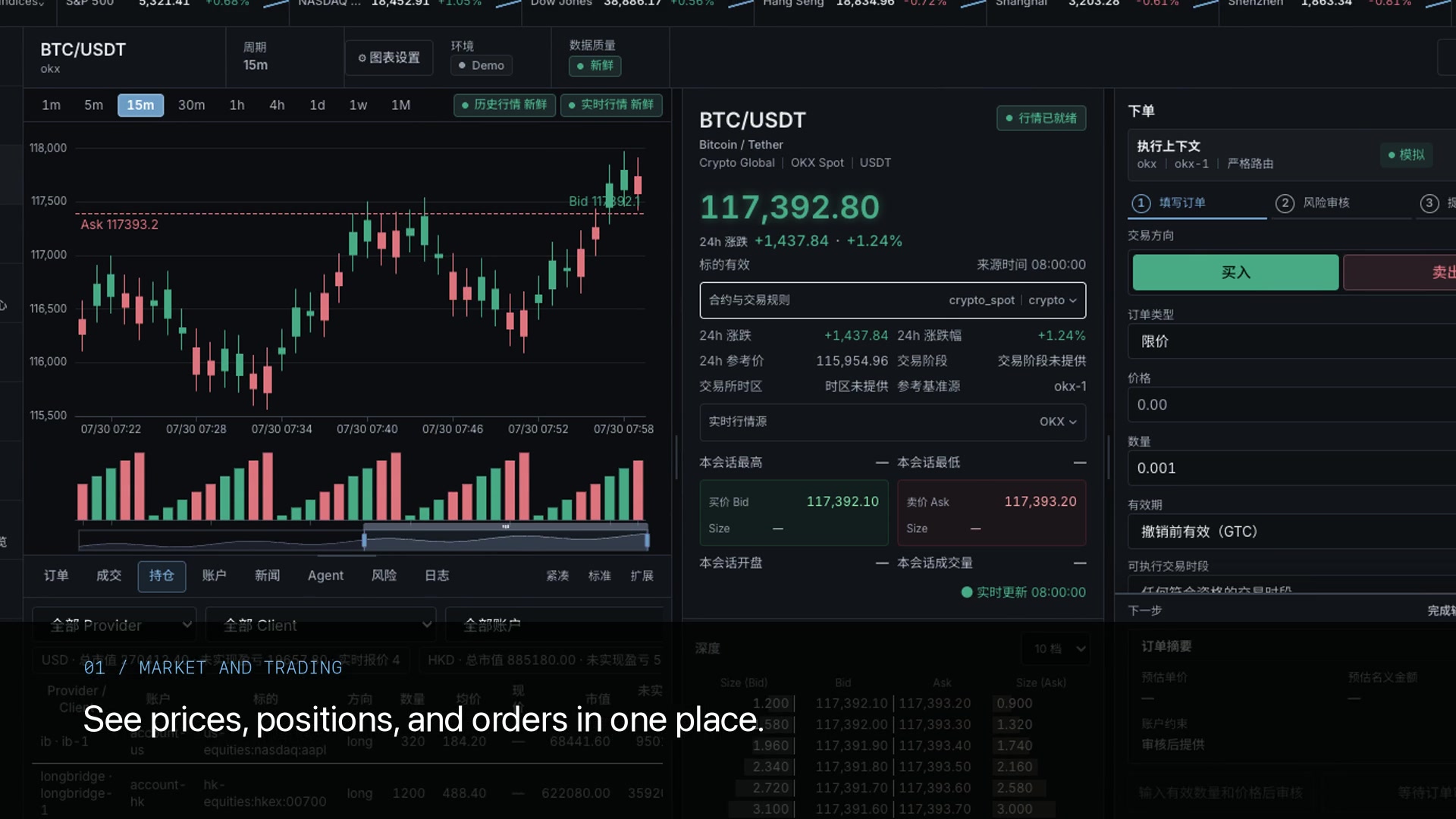
A short look at market research, the AI assistant, strategy testing, safety checks, and the future Market Twin idea.

00:36 / 1080P / VO + MUSICProduct preview · English narration · Music · Multilingual captionsWatch film ↗

04 / SAFETY

Control stays
with you.

TrueFix does not accept deposits or open a financial account for you. You choose every connected service, account, permission, and test or live mode.

01

You choose what each connection can do

A connection can only use the market data or trading permissions allowed by the broker, exchange, or data service you selected.

Service → Account → Permission
02

Check before sending a trade

Before sending, confirm the account, product, direction, amount, price, fees, and risk. If the result is unclear, TrueFix checks the existing order instead of sending it again.

Check → Risk check → Send
03

The AI assistant has limits

The AI assistant can use only the tools you allow. Giving it access to research does not give it permission to trade, and a suggestion is never an approved order.

Analyze → Suggest → You review

05 / HOW IT CONNECTS

Your work stays on this device.
You choose outside connections.

TrueFix keeps its main profile on your device. It connects only to the broker, exchange, market-data, or AI services that you set up.

Read the architecture guide
Desktop appBrowser accessAI assistantBackground strategies
TRUEFIX CORETrueFix Studio
One set of account and risk rules
Market pricesBroker / ExchangeNews & researchFIX connection

TrueFix shows which service supplied market data, news, signals, and account actions, so you can check the source.

06 / WAYS TO USE IT

Use only
what you need.

Start by viewing data or doing research. Add simulated trading, background strategy runs, or real trading only when you need them.

FOR DAILY WORK

Desktop / Web

See market data, positions, risk, and order context in one workspace.

FOR AUTOMATION

Background strategy runs

Run and test rule-based strategies without keeping the desktop window open, while using the same account and risk limits.

FOR RESEARCH

AI-assisted research

Ask the AI assistant to organize and explain market information using only the data and tools you allow.

07 / ABOUT US

About TrueFix Studio.
Why we are building it.

TrueFix Studio is an independent, pre-release desktop app for people who already use brokers, exchanges, market data, or rule-based trading strategies.

We are building it to reduce switching between tools, make information sources easy to check, and keep AI and automation under the user's control.

LOCAL-FIRST

Your profile starts on this device

TrueFix does not require a TrueFix cloud account. Connections to outside services are configured by you for the features you choose to use.

NO CUSTODY

Your money stays with your broker or exchange

TrueFix is software, not a broker, exchange, bank, or investment adviser. It does not accept deposits, hold money, or promise returns.

USER CONTROL

You choose how far the workflow goes

Use research only, stay read-only, test in simulation, or configure an authorized execution path. AI assistance does not remove your responsibility to review.

START WITH THE GUIDE

See the workflow
before connecting an account.

The guide explains installation, connecting a service, using the AI assistant, trying simulation, and what to check before using a real account.